Adding a track to your Favourites is simple. Simply click on the Heart Icon beside each track listing. You can manage your Favourites via your own Playlist Folders page.

Your Favourites are a default playlist within your 'Playlist Folders'. Add any track you like to your Favourites or if you want to categorise them more specifically, create a new Playlist Folder.
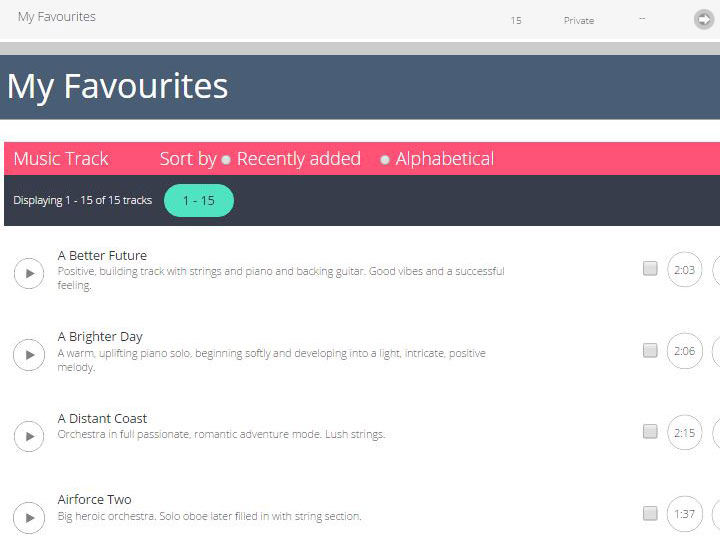
Within your Favourites page, you can listen to tracks, remove from your favourites list or add tracks to your shopping basket for purchase and download.
Search Our Music Library Now Find Out About Playlist Folders
Please share on…